Turn any mobile device into a
Smart Time Clock
NFC tap + face recognition — clock in within seconds.
No expensive hardware. A tablet or phone becomes your dedicated time clock.
Employees just tap or look up — clock-in done.
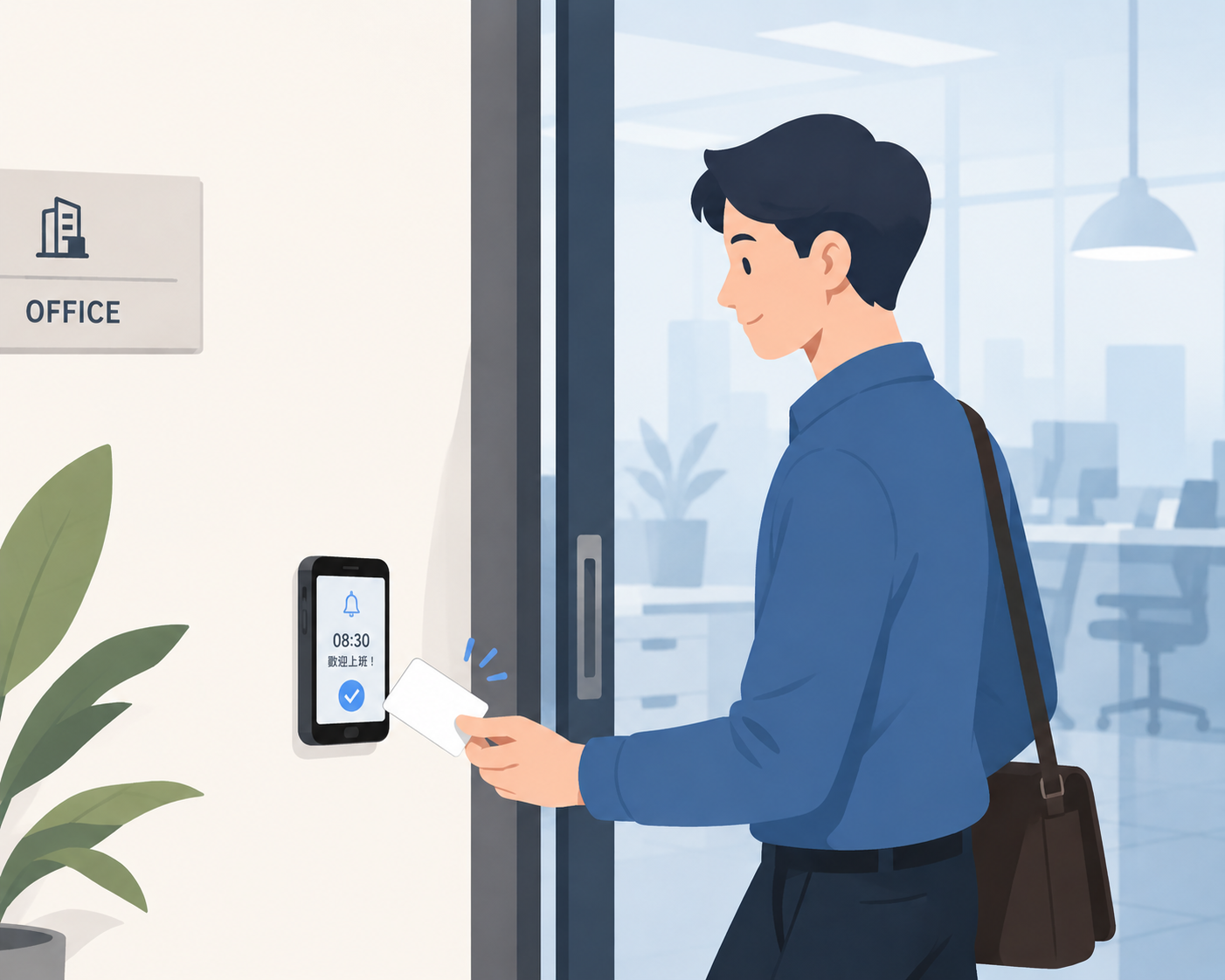
Still using a traditional punch clock?
These daily HR and store-manager headaches simply shouldn't exist anymore.
When the clock breaks, repairs are expensive and take days
A new device costs thousands plus install/wiring fees
Multiple sites mean multiple machines and scattered records
Employees forget their card and can't clock in
Two ways to clock in,
one app for all
Pick whichever fits the on-site routine — with or without a card.
NFC tap-in
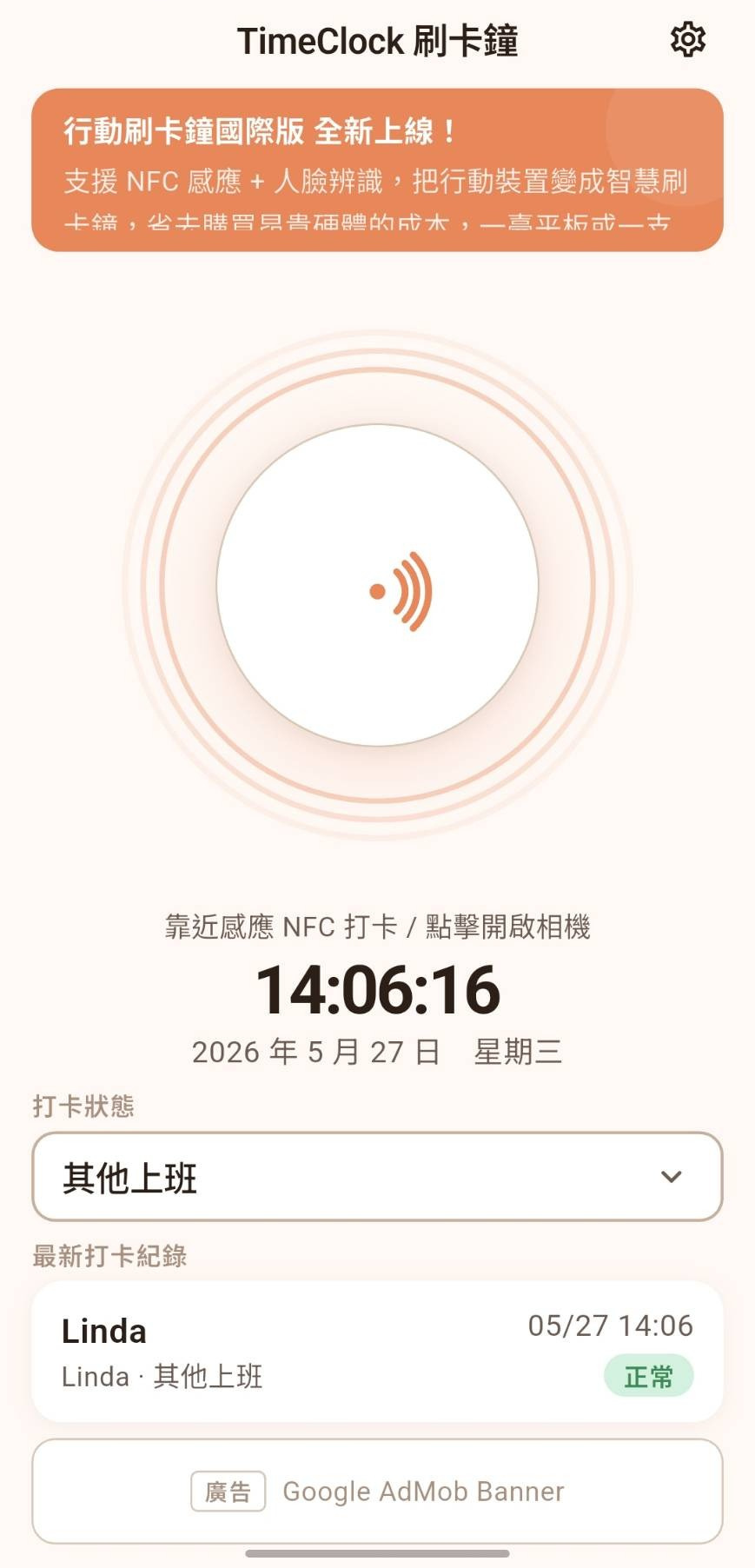
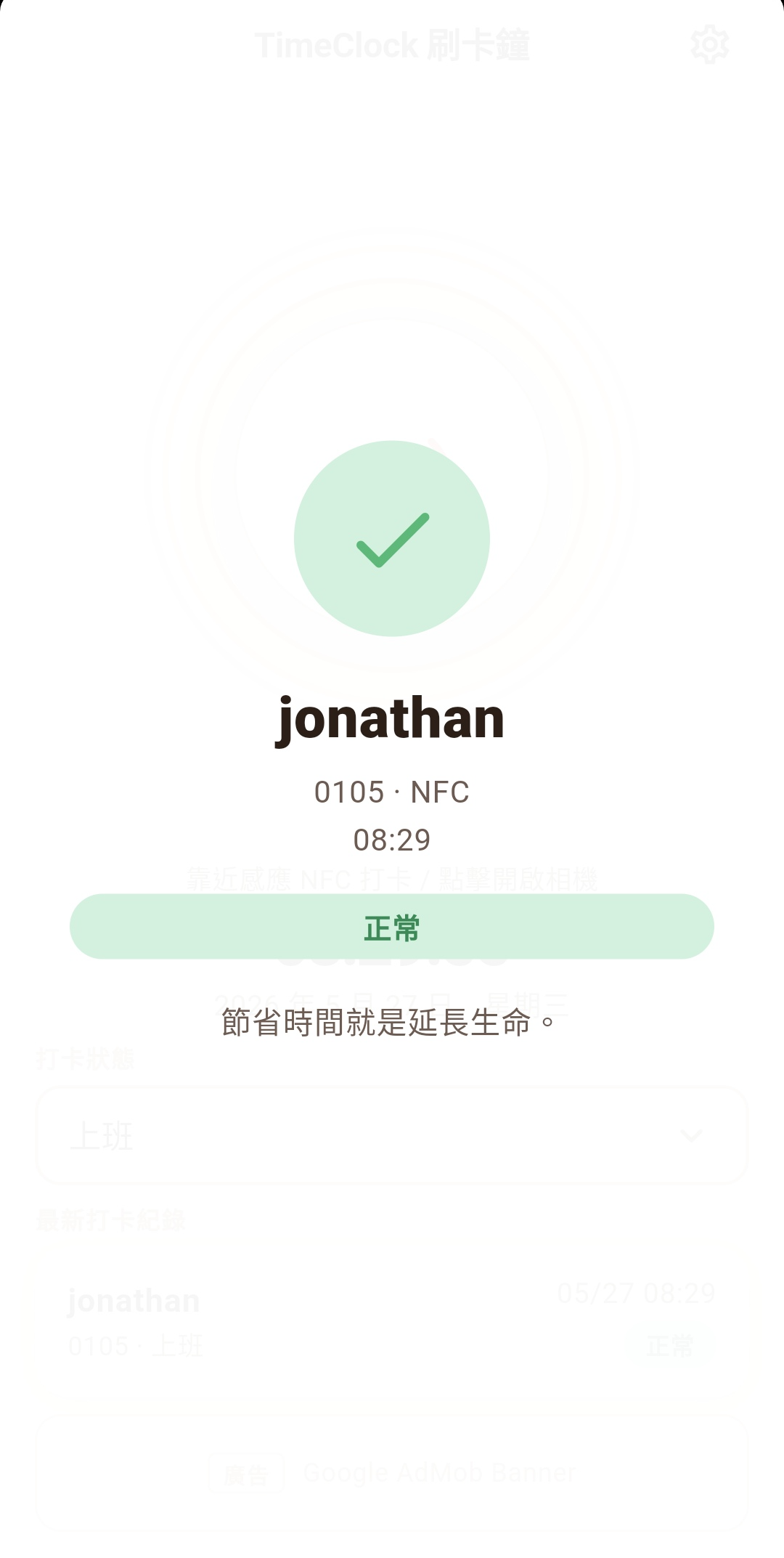
Tap an employee badge or transit card against the device — fast, no unlock needed.
- 0.3-second tap, zero waiting
- Supports employee badges, EasyCard, iPASS
- No unlock, no login — just tap
Face recognition
Bring nothing. Walk up to the clock and you're recognized in an instant.
- Look up for 1 second, zero contact
- AI recognition prevents buddy punching
- Feature data encrypted at rest for privacy
Multi-layer encryption — even we can't access it
Face data is encrypted multiple times. Neither Cyberstar's servers nor our engineers can read it. Employees can request deletion anytime, and managers can wipe it from the back office with one click.
No raw photos stored
We store only encrypted mathematical feature vectors — original images cannot be reconstructed.
Encrypted end-to-end
Feature data is stored in the cloud with AES-256, decrypted only at the moment of recognition.
Compliant with privacy laws
Collection, processing and use follow Personal Data Protection laws, with explicit consent flows.
Employees can delete anytime
When an employee leaves or withdraws consent, all face data is wiped with one click.
Why Time Clock?
Not just a punch clock in an app — a modern attendance experience redesigned for today's workplaces.
Zero hardware cost
Use an old tablet or phone. No dedicated punch clock required — save thousands in setup costs.
Save 5,000+ on equipmentShared with Mobile Punch Clock
Office staff use Time Clock; field staff use Mobile Punch Clock. All records flow into one back office.
One subscription · Two appsDownload & go
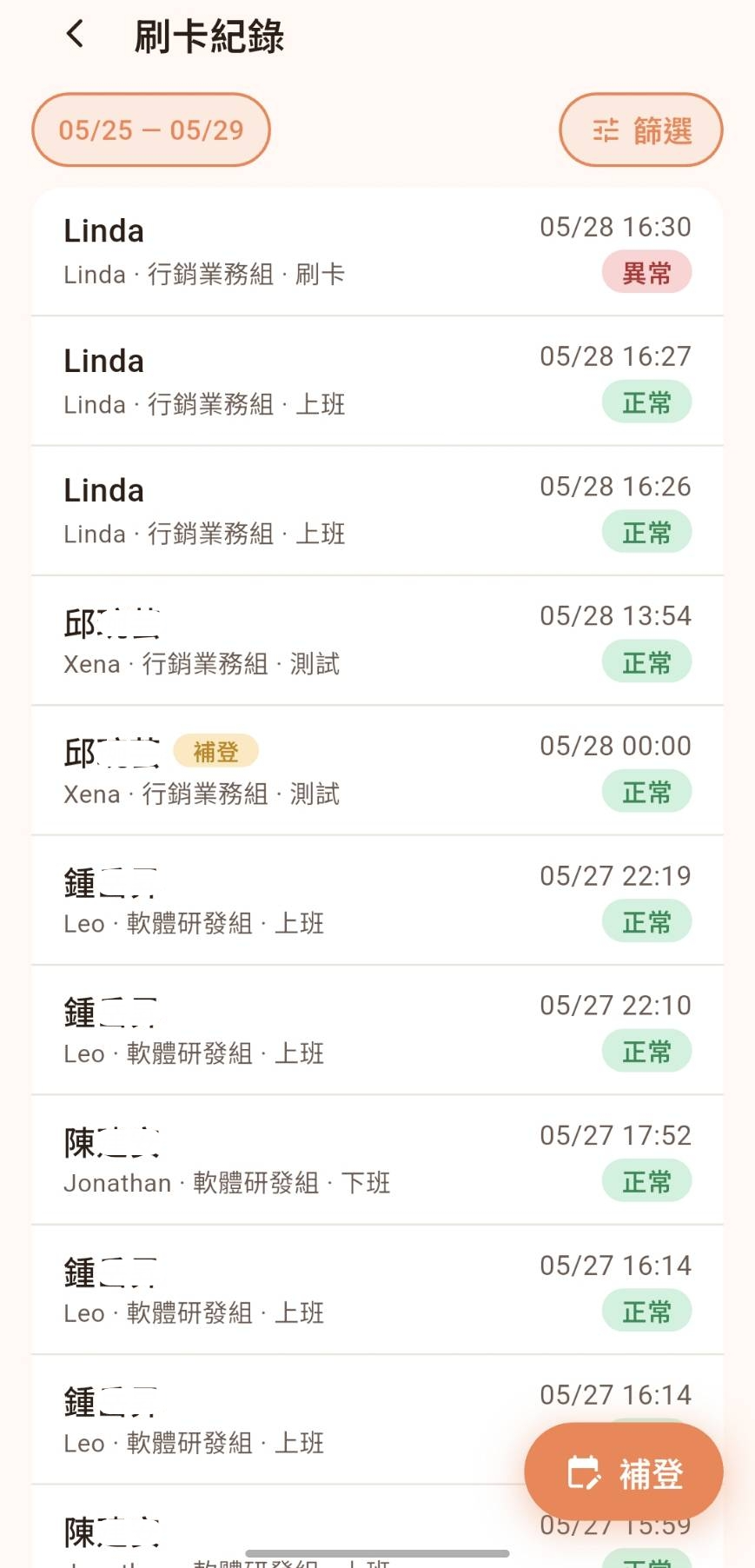
No technician install, no wiring. Download the app, configure it, and you're live today.
Set up in 5 minutesClean UI, instantly clear
No training needed. Designed for on-site use first — one-second clock-in.
Fits any workplace
From solo studios to multi-store chains — Time Clock adapts to your tempo.
Office
Mount a tablet at the entrance. Employees tap as they walk in — fast and orderly.
Factory / Warehouse
Place a device at each gate. All records consolidated in one back office — nothing falls through the cracks.
Chain stores
One device per store. The owner sees attendance for every branch in a single back office.
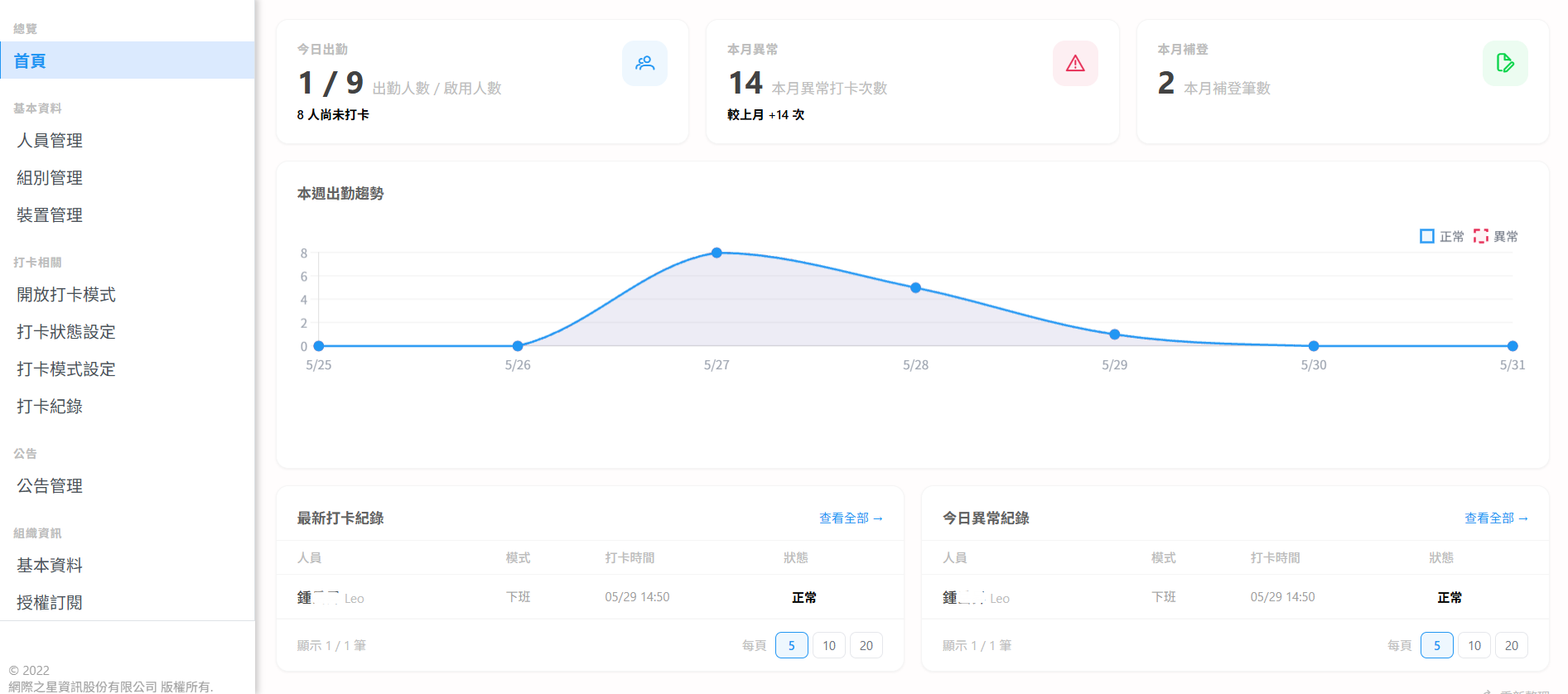
One back office, two ways to clock in
Manage office and field staff together. One subscription unlocks both Time Clock and Mobile Punch Clock.
NFC + face recognition
GPS check-in
Full visibility
One subscription, two clock-in modes. Whether your team is in the office or out in the field, all records are unified.
Learn about Mobile Punch ClockChoose the plan that fits you
Cloud is flexible, syncs across devices. Standalone is a fixed plan for single-site use.
Pay for what you use,
flexible plans
Subscribe once and use both Mobile Punch Clock and Time Clock. All records sync to the cloud and across devices. The more employees, the lower the per-seat cost.
Launch promo pricing — don't miss it!
※ Prices above are platform promo rates. In-app purchase prices are subject to those shown in the app.
Full feature comparison
Three cloud plans vs. three standalone plans — see every feature side by side.
| Feature | Cloud | Standalone | ||||
|---|---|---|---|---|---|---|
| Free | Trial | Paid | Free | Pro | Plus | |
| NFC tap-in | ||||||
| Face recognition | ||||||
| Mobile Punch Clock app | ||||||
| Employee management | Up to 3 | Up to 10 | Plan-dependent | Up to 5 | Up to 30 | Unlimited |
| Department management | ||||||
| Bulletin management | ||||||
| Web back office | ||||||
| Data storage | Cloud | Cloud | Cloud | Local | Local | Local |
| Offline buffer | — | — | — | |||
| Device migration | — | |||||
| Export reports | After ad | After ad | Direct | After ad | Direct | Direct |
| Export retention | 3 months | 1 year | 1 year | 3 months | 3 months | 3 months |
| Ad-free | ||||||
Got questions? Reach out anytime
Whether you have product questions, want a feature walkthrough, or need personalized support — we're here to help.
Download today, live by tonight
Available on the App Store and Google Play. Set up in 5 minutes — employees can clock in right away.